How to install Claude Code on macOS, Windows and Linux
The official install commands for every platform, how to check the install and sign in, and how Mirasim installs Claude Code for you and runs it next to Codex.
The short answer
Run Anthropic's installer in a terminal, then run claude in your project and sign in. The native installer updates itself in the background. You need a Claude Pro, Max, Ultra, Team or Enterprise plan, or an Anthropic Console account; the free claude.ai plan doesn't include Claude Code. Claude Code is only available in Anthropic's supported countries.
- macOS, Linux, WSL
curl -fsSL https://claude.ai/install.sh | bash- Windows PowerShell
irm https://claude.ai/install.ps1 | iex- Windows CMD
curl -fsSL https://claude.ai/install.cmd -o install.cmd && install.cmd && del install.cmd- Homebrew
brew install --cask claude-code(does not auto-update; runbrew upgrade claude-code)- WinGet
winget install Anthropic.ClaudeCode(does not auto-update)- npm
npm install -g @anthropic-ai/claude-code(needs Node.js 22 or later; don't use sudo)
Anthropic also publishes apt, dnf and apk packages for Debian, Fedora, RHEL and Alpine.
System requirements
- macOS 13.0 or later; Windows 10 1809 or later, or Windows Server 2019 or later; Ubuntu 20.04+, Debian 10+ or Alpine Linux 3.19+.
- 4 GB of RAM or more, an x64 or ARM64 processor, and an internet connection.
- On Windows, run Claude Code natively from PowerShell or CMD, or inside WSL 2. Git for Windows is optional: with it, Claude Code uses Git Bash for shell commands; without it, PowerShell.
Check the install and sign in
claude --version   # prints a version number
claude doctor      # install health and settings, without starting a session
claude             # start in your project and sign in in the browser
If claude isn't found, see the next section. If sign-in fails, Anthropic's troubleshooting page covers permission and network errors. Claude Code can also run on Amazon Bedrock, Google Cloud or Microsoft Foundry instead of a Claude account.
Fix claude: command not found
If the install finished but your terminal can't find claude, the install folder isn't in your PATH. The native installer puts claude in the .local/bin folder in your home folder (%USERPROFILE%\.local\bin\claude.exe on Windows). It says so under "Setup notes" in its output, but it doesn't change your PATH for you.
| Where | What the error looks like |
|---|---|
| macOS | zsh: command not found: claude |
| Linux | bash: claude: command not found |
| Windows CMD | 'claude' is not recognized as an internal or external command |
| PowerShell | claude : The term 'claude' is not recognized as the name of a cmdlet |
Add the folder to your PATH once, then open a new terminal window and run claude --version:
- macOS (zsh)
echo 'export PATH="$HOME/.local/bin:$PATH"' >> ~/.zshrc && source ~/.zshrc- Linux (bash)
echo 'export PATH="$HOME/.local/bin:$PATH"' >> ~/.bashrc && source ~/.bashrc- macOS (bash)
- The same line, written to
~/.bash_profileinstead of~/.bashrc - Windows PowerShell
[Environment]::SetEnvironmentVariable('PATH', [Environment]::GetEnvironmentVariable('PATH', 'User') + ";$env:USERPROFILE\.local\bin", 'User')
Still not found? Check these:
- A window that was already open keeps its old PATH, and a terminal inside an editor takes its PATH from the editor. Open a new window, or quit and reopen the editor.
- You only installed the VS Code extension. It bundles its own copy of Claude Code for its chat panel and doesn't add
claudeto your PATH. Run the installer above to useclaudein a terminal. - On Windows, right after an update: Claude Code renames the old
claude.exeto a backup that starts withclaude.exe.old.before moving the new one in. Ifclaude.exeis missing, rename the newest backup back toclaude.exe, or run the installer again. - Installed with npm and
claudeprints "claude native binary not installed": npm 12 skips the step that puts the binary in place, and--omit=optionalskips the download. Anthropic's troubleshooting page has the fix for each. - On Windows,
claudeopens the Claude desktop app: an older Claude Desktop registers its ownClaude.exeahead of the CLI. Update Claude Desktop.
Mirasim looks in that same .local/bin folder even when it isn't in your PATH, so the app finds a fresh Claude Code install right away. You still need the fix above to run claude in your own terminal.
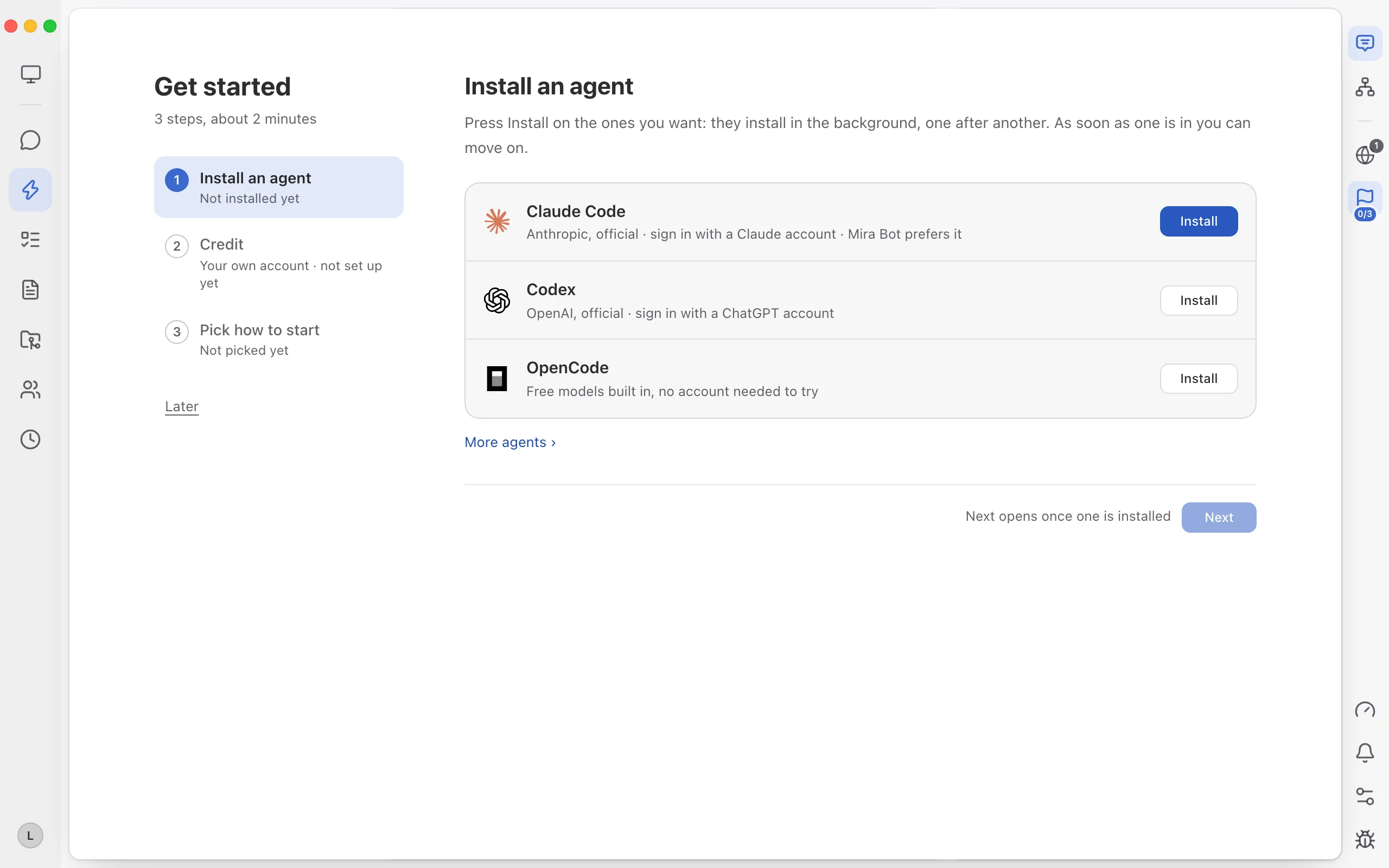
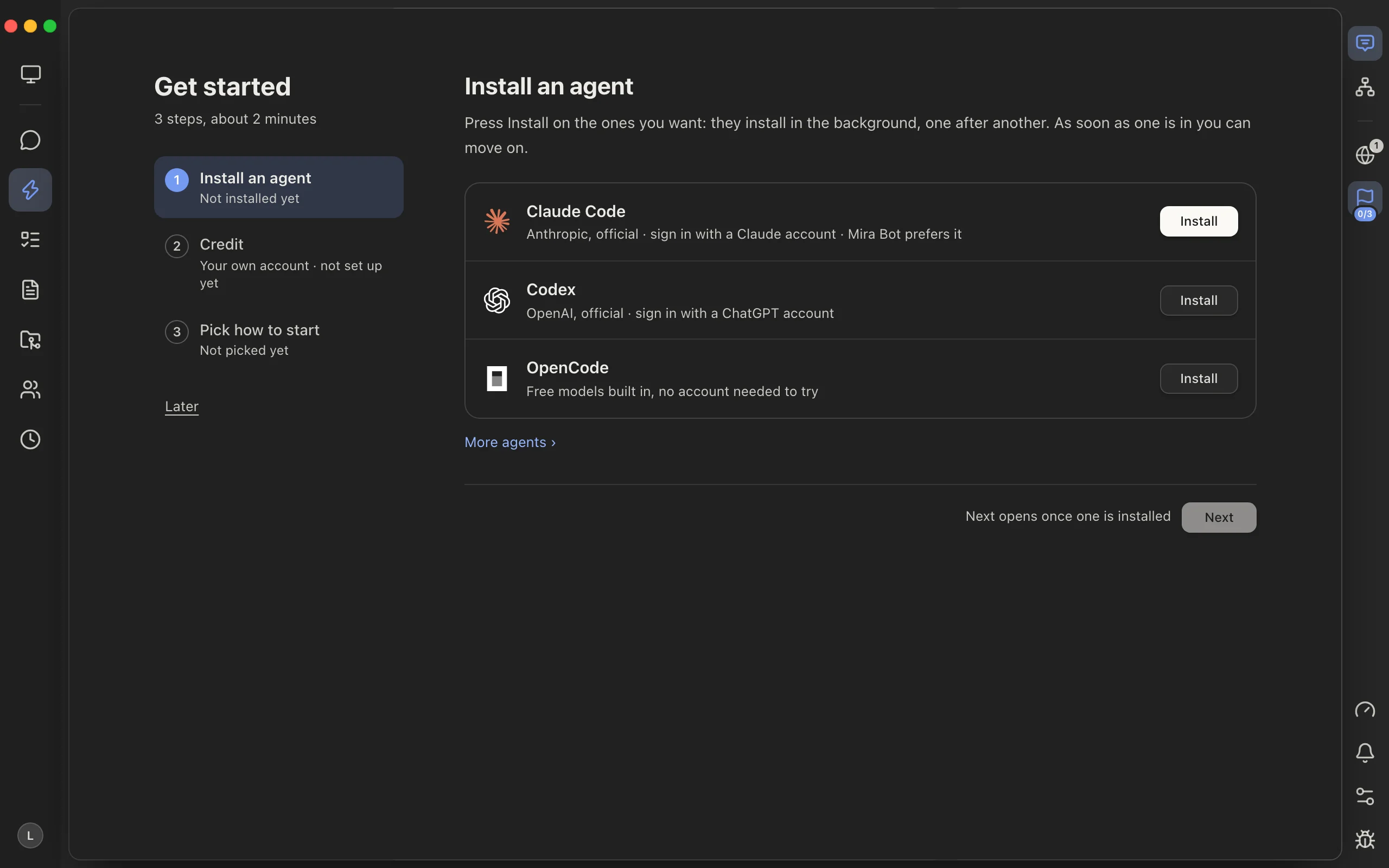
Let Mirasim install it for you
- Open Get started
Claude account? It suggests Claude Code
- Press Install
Mirasim runs Anthropic's own installer
- Sign in, then start
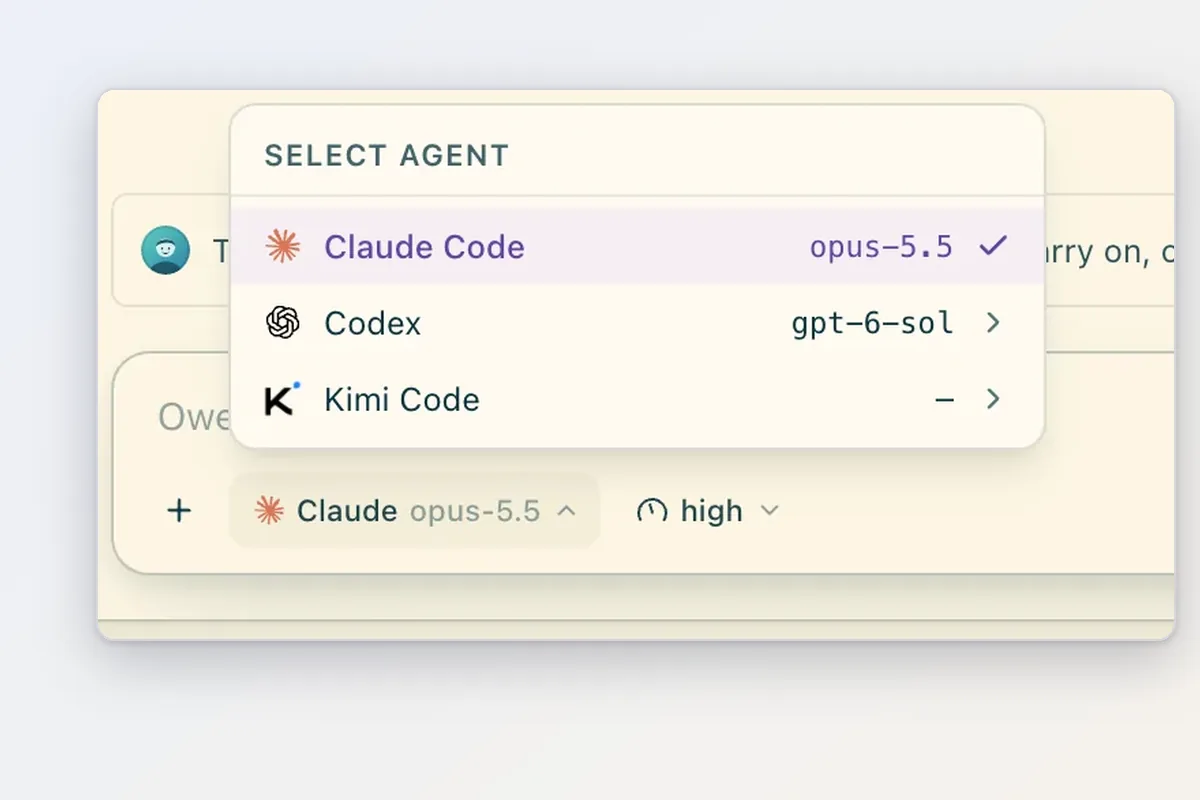
Run Claude Code in a pane, next to Codex or others
- Any agent not installed yet can be installed from Agent Config, and Settings shows each agent's installed version next to the latest one.
- If you already installed Claude Code yourself, Mirasim runs that copy with your existing sign-in.
- Follow the same sessions from the Mirasim phone apps, or share them with teammates.
Article · Solo studio workflow: running four parallel tracks alone → Solo builder playbook: run Claude Code and other agents in parallel.
Questions
- Is Claude Code free?
- The tool installs for free, but using it needs a paid Claude plan, an Anthropic Console account, or a supported cloud provider. The free claude.ai plan doesn't include it.
- Should I use npm or the native installer?
- Anthropic's instructions lead with the native installer, which updates itself. npm also works with Node.js 22 or later.
- Is there a Claude Code desktop app?
- Yes, the Code tab of the Claude Desktop app. Mirasim is a separate desktop app that runs the Claude Code CLI next to other agents.
Article · Claude Code desktop: what the app does, and another way to run it on your desktop → Claude Code's desktop app, and another way to run it on your desktop.
Article · How to use Claude Code: your first session, permission modes, and undoing changes → Installed? How to use Claude Code: your first session, permission modes and undoing changes.
Article · How to update Claude Code, pin a version, or uninstall it → Updating, pinning a version or uninstalling Claude Code.
Article · Claude Code desktop vs CLI: what differs, and which to use → Desktop app or CLI: what differs.
Sources
Install commands and requirements were checked against Anthropic's setup guide, code.claude.com/docs/en/setup, on November 9, 2026. The command-not-found fixes were checked against its install troubleshooting page, code.claude.com/docs/en/troubleshoot-install, on November 24, 2026. Check those pages for the latest.
Keep reading
Code review with Claude Code and Codex: /review, GitHub reviews and a second opinion
Code review with Claude Code and Codex: /review for local changes, automatic GitHub PR reviews, where review rules go, and a second opinion from the other agent.
Hooks in Claude Code and Codex: run your own commands when the agent acts
What hooks are in Claude Code and Codex, where they go, when they fire, and examples: a notification, formatting after edits, blocking edits to protected files.
Claude Code and Codex permission modes: auto, plan, --dangerously-skip-permissions and --yolo
What each Claude Code and Codex permission mode allows without asking, what --dangerously-skip-permissions and --yolo turn off, and safer ways to get fewer prompts.