Claude Code for teams: access, shared setup, and working in one session
How a team uses Claude Code: a seat for everyone, the setup in the repo, sessions shared by link. And what to do when several people must steer one session.
The short answer
A team uses Claude Code in three layers. Everyone signs in with their own seat on a Claude Team or Enterprise plan, or with the company's API or cloud account. The shared setup lives in the repository, with policy on top from managed settings. Sessions are shared by link, for teammates to read. Anthropic's seats are personal, so when several people need to steer one session, that happens in a shared workspace such as Mirasim, on a key or credit the team owns.
| What the team wants | How Claude Code does it |
|---|---|
| Everyone has access, on one bill | Team or Enterprise seats; or Claude Console, Amazon Bedrock, Google Cloud or Microsoft Foundry for usage billing |
| Everyone's Claude follows the same rules | CLAUDE.md, .claude/settings.json and .mcp.json committed to the repository |
| Policy nobody can switch off | Managed settings from the claude.ai admin console (Team and Enterprise), or through device management |
| Get a new teammate up to speed | /team-onboarding writes a guide from your own usage |
| Show a teammate a session | Share a cloud or Remote Control session by link, to read |
| Hand work over in Slack | Claude Tag, on Team and Enterprise plans |
| See who uses it, and how much | The dashboard at claude.ai/analytics/claude-code, for admins and owners |
Article · Claude Code agent teams, and teams that mix agents and people → Looking for agent teams? How they work and what they cost.
Set Claude Code up once for everyone
- Choose how the team signs in
Anthropic's default recommendation is Claude for Teams or Enterprise: invite people, they install Claude Code and log in with their claude.ai account. Teams that want usage billing use the Claude Console or a cloud provider.
- Write the project's CLAUDE.md
Build and test commands, coding standards, project layout. It's shared through version control and read at the start of every session;
/initdrafts one. A repository that already hasAGENTS.mdcan use that instead. - Commit the project settings
.claude/settings.jsoncarries permissions, hooks, plugins and environment variables;.mcp.jsoncarries MCP servers. Personal exceptions go in.claude/settings.local.json, which isn't shared. - Add policy if you need it
Managed settings take precedence over what developers set locally. They can restrict permissions, MCP servers and plugin sources, and require a minimum version. An Owner edits them in the claude.ai admin console.
- Pass on how you work
Run
/team-onboardingin a project you know well. Claude looks at your last 30 days of sessions, commands and MCP servers, and writes a guide a new teammate pastes as their first message.
Article · Claude Team plan vs Enterprise: what a development team gets → Which plan to buy: Claude Team or Enterprise, and what each seat includes.
When several people need to steer one session
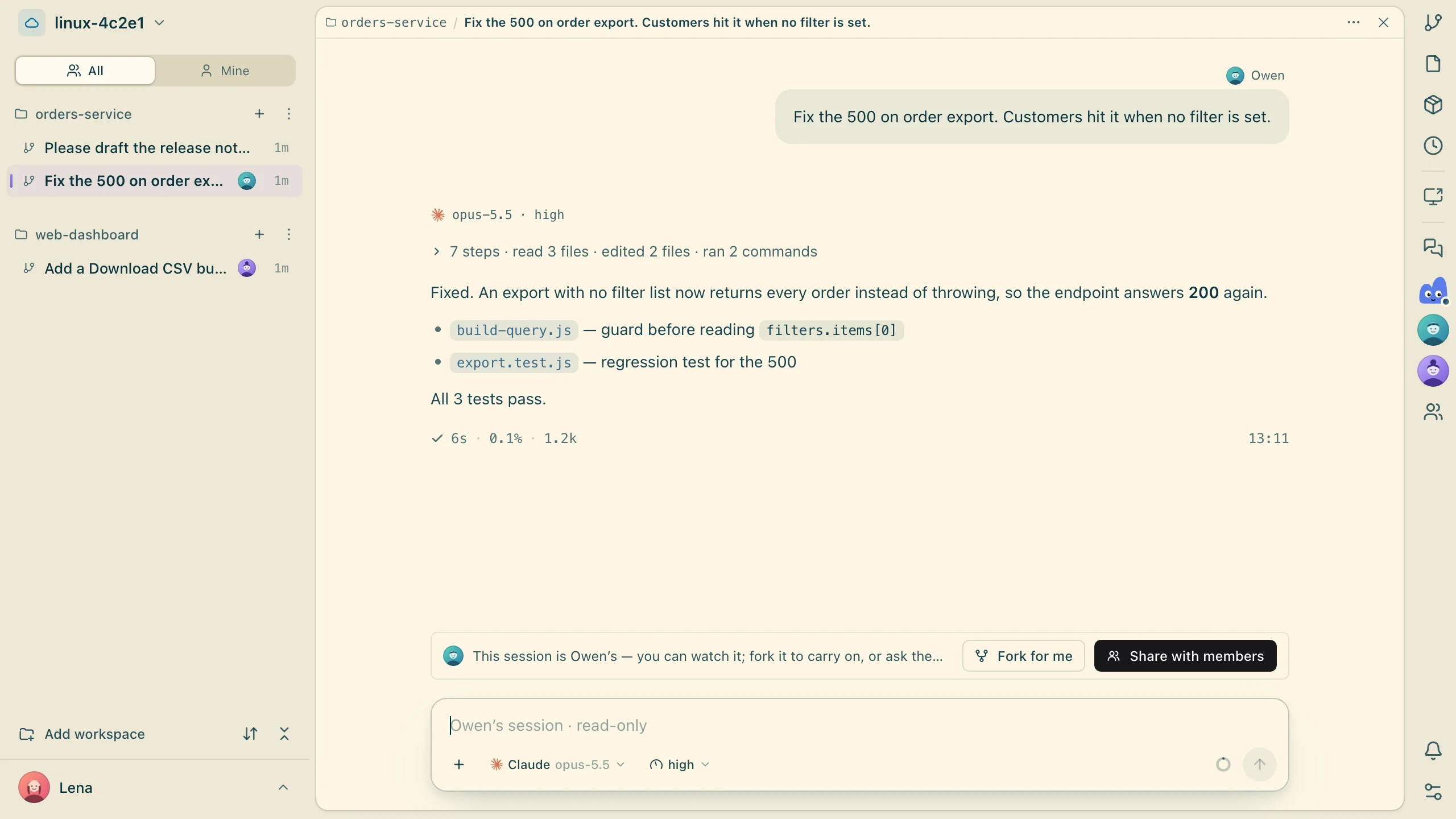
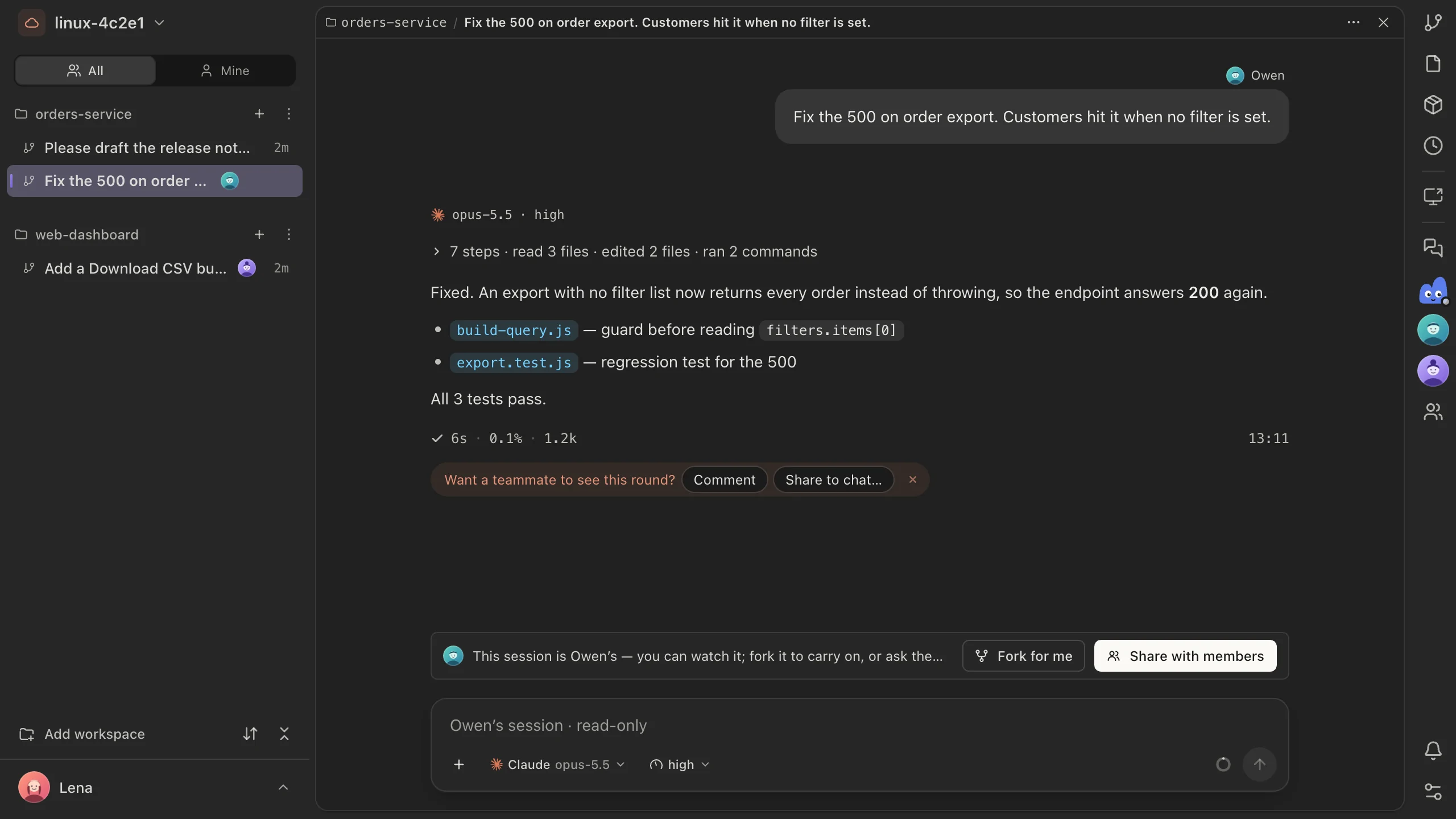
Reading along is enough for a review. It isn't when a designer wants to ask the agent for a change, or a colleague takes over after you leave. Mirasim is a separate app that runs coding agents, Claude Code among them, in a space your team shares.
- Add people to the space
By email or invite link, as collaborators or observers
- Start on a model everyone can use
A shared API key, or space credit
- Turn on Share with members
Teammates send into the same session, each message signed
| Claude Code share link | Shared session in Mirasim | |
|---|---|---|
| Who can watch | People with the link whom your plan allows | Everyone in the space |
| Does it update live | No | Yes |
| Who can send messages | The link is for reading | The person who started it; every collaborator once it's shared |
| Where the code runs | Anthropic's cloud, or your computer through Remote Control | Your computer made a collab space, or a cloud space |
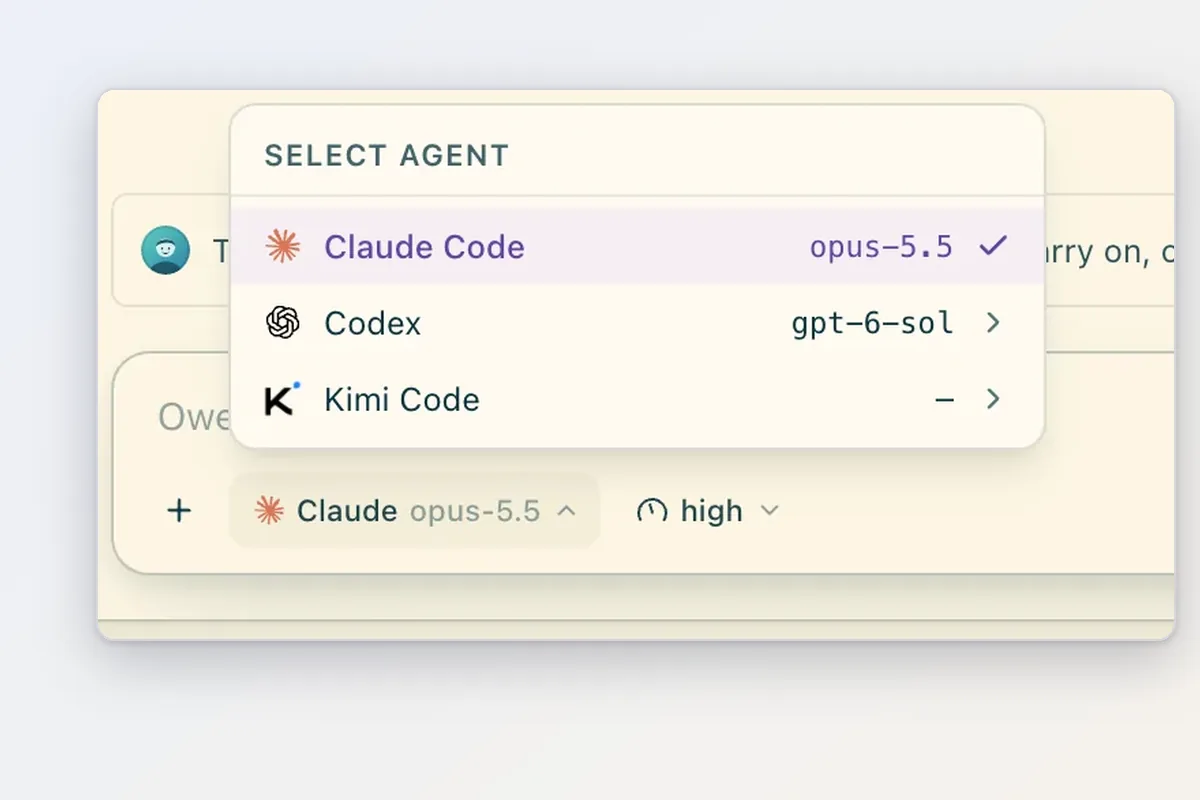
| Agents | Claude Code | Claude Code, Codex, Kimi Code, DeepSeek Harness, OpenCode and others |
Article · Multiplayer coding agents: build with friends and teammates → Step by step: making a collab space and steering one session together.
Article · ChatGPT dots: what they are, who gets them, and always-on agents for a whole team → Always-on assistants: ChatGPT dots for one person, assistants for a whole team.
Questions
- Is there a Claude Code for teams?
- Not as a separate product. Claude Code comes with every seat on the Claude Team plan and with the Enterprise seat.
- Can two people share one Claude Code account?
- No. A seat is for one named person, and unused usage can't be moved to someone else. An owner can give a heavy user a Premium seat or turn on usage credits.
- Can a teammate type into my shared session?
- Anthropic's share link lets people read the conversation. For teammates to send messages into it, the session has to run somewhere you share, such as a Mirasim space.
- How do we all get the same MCP servers and skills?
- Commit
.mcp.jsonand the.claude/skillsfolder to the repository, or have an admin require a plugin marketplace in managed settings.
Article · Claude Code on the web: how cloud sessions work, and when a shared space fits better → More on Claude Code's cloud sessions.
Article · Codex for teams: ChatGPT Business and Enterprise, shared setup, and working in one session → The same for Codex: ChatGPT Business and Enterprise, shared setup and sessions.
Sources
Claude Code's side was checked against Anthropic's documentation on November 24, 2026: code.claude.com/docs/en (admin-setup, authentication, memory, settings, mcp, server-managed-settings, share-sessions, commands, analytics), claude.com/docs/claude-tag, and “Purchase and manage seats on Team plans” on support.claude.com. These pages change often, so check them for the latest. Mirasim is not an Anthropic product.
Keep reading
Code review with Claude Code and Codex: /review, GitHub reviews and a second opinion
Code review with Claude Code and Codex: /review for local changes, automatic GitHub PR reviews, where review rules go, and a second opinion from the other agent.
Hooks in Claude Code and Codex: run your own commands when the agent acts
What hooks are in Claude Code and Codex, where they go, when they fire, and examples: a notification, formatting after edits, blocking edits to protected files.
Claude Code and Codex permission modes: auto, plan, --dangerously-skip-permissions and --yolo
What each Claude Code and Codex permission mode allows without asking, what --dangerously-skip-permissions and --yolo turn off, and safer ways to get fewer prompts.