Running two coding agents in one repository
Run a second Claude Code or Codex session on the same checkout and the two overwrite each other. Git worktrees let any Mirasim session start in its own.
What actually goes wrong when two agents share a working tree
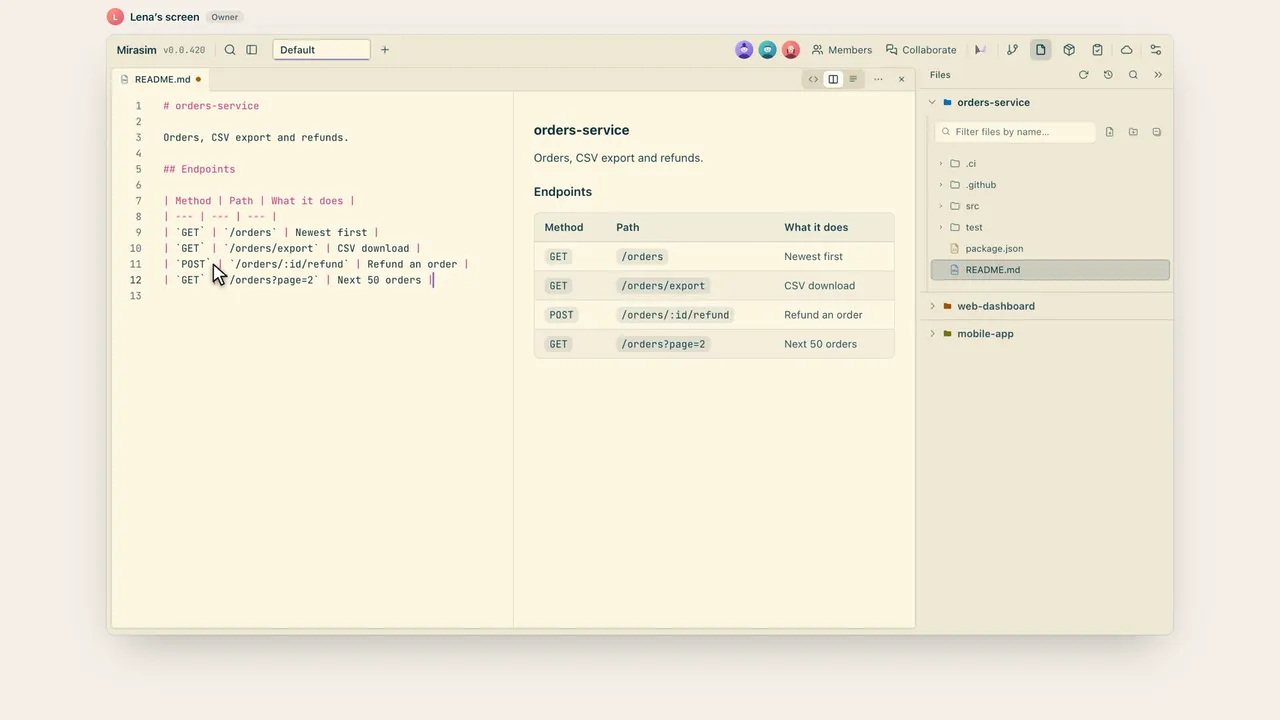
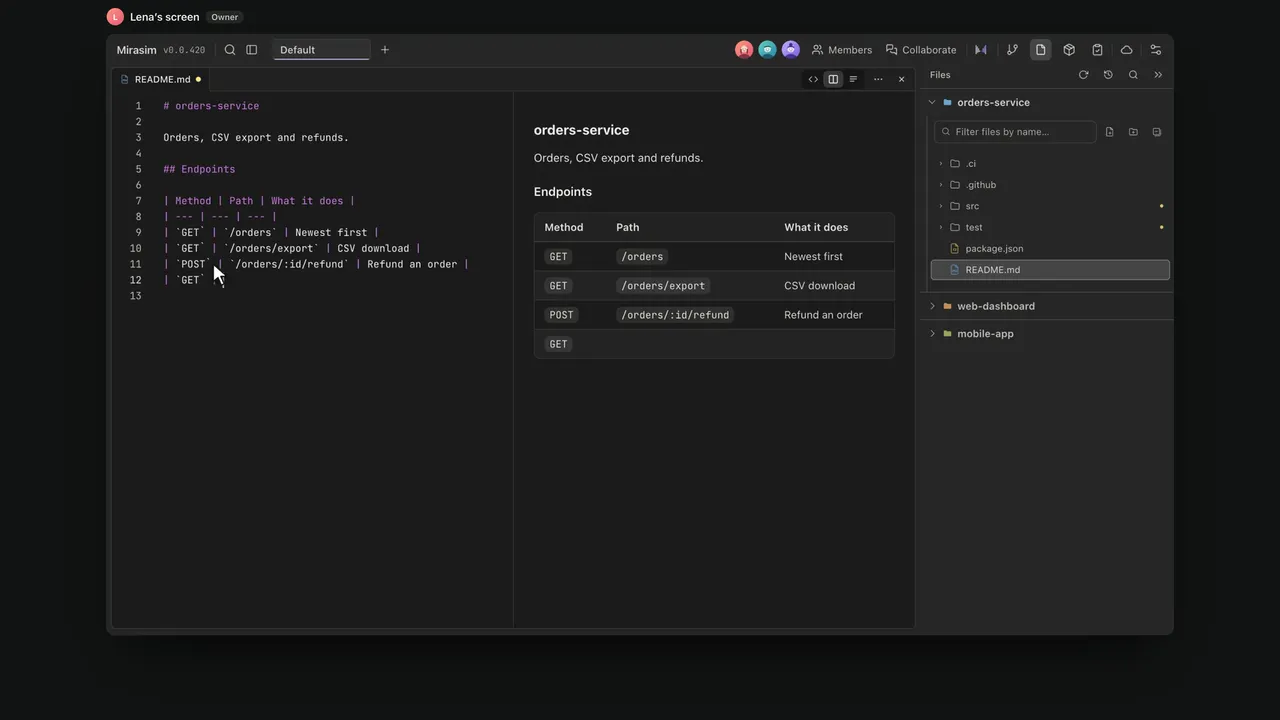
Running one coding agent in a repository is a solved problem, but running two at once is not. Both agents operate on the same working tree without knowing the other exists, overwriting and mixing each other's changes. Nothing crashes, which makes the failure quieter and worse: you end up with a diff that neither agent intended and no one can explain.
- Agent A is editing files
Both agents operate in the same shared working tree
- Agent B checks out a branch
Agent B may also stage a file that Agent A just rewrote
- Tests run on half-written changes
Git raises no error while the two changes mix
- You get a diff neither agent intended
- Clone the repo for each agent
- Duplicates history and isolates branches
- Run the agents one after another
- Gives up the point of using two agents
- Tell each: “Only these files”
- No enforcement; agents can still cross
The three usual workarounds for running two agents in one repository—separate clones, taking turns, or verbal file rules—are all worse than they look.
Linked worktrees: give one repository several independent checkouts
Git has had the answer since version 2.5. Running git worktree add creates another working directory backed by the same object database and refs—a second checkout, not a second repository. Each worktree sits on its own branch with its own index and HEAD, so two agents working in separate worktrees cannot see each other's uncommitted changes, stage each other's files, or switch each other's branch.
- ../feature-a
- Worktree checked out on branch feature-a
- Has its own staging index and HEAD
- Agent A edits files here in isolation
- ../feature-b
- Worktree checked out on branch feature-b
- Has its own staging index and HEAD
- Agent B edits files here in isolation
# one repository, two checkouts, two branches
git worktree add ../feature-a -b feature-a
git worktree add ../feature-b -b feature-b

# each has its own HEAD and index; the objects are shared
git worktree listA new worktree has no .env and no node_modules
A worktree is a fresh checkout, so the files git ignores aren't there: no .env, no node_modules, no build output. To carry ignored files over, list them in a .worktreeinclude file at the repository root, in .gitignore syntax. Claude Code and Codex both read it, and only copy files that git ignores.
# .worktreeinclude
.env
.env.local
config/secrets.json- Claude Code
- Copies the files in
.worktreeincludeinto every worktree it creates. Dependencies are up to you: install them in the worktree, or ask Claude to. - Codex
- Copies the files in
.worktreeincludeinto the worktrees it manages. In the ChatGPT desktop app, a local environment's setup script runs when Codex creates a new worktree. - Mirasim
- Copies the files in
.worktreeinclude, or the ignored.envfiles at the root when there is none, and runs one setup script: one you write in Mirasim, or the one already set up in Conductor, Cursor, Orca or T3 Code. The first time, it lists every file and command and asks.
The setup script runs in the background, so the agent can start its first turn while dependencies install.
Why Mirasim builds linked worktrees into sessions
git worktree add manually for one branch at a timeParallel sessions in Mirasim mean several coding agents working at the same time, each on its own task. Mirasim does not act as an orchestrator that splits one task among worker agents. Nothing plans across panes or merges their code for you—you review the diffs side by side and merge them yourself.
Article · Claude Code agent teams, and teams that mix agents and people → Claude Code's agent teams, and letting sessions on different agents message each other.
Conductor alternative: move to Mirasim → Used Conductor for parallel agents? How Mirasim compares, and moving over in one click.
Article · A Claude Squad alternative with a desktop app, phone apps and shared sessions → Running agents with Claude Squad in tmux? A desktop alternative.
Article · A Vibe Kanban alternative with a shared board → Used Vibe Kanban's board of agents in worktrees? Where to go now that it has shut down.
Article · Mirasim vs Orca: How to choose → Orca also gives every task its own worktree; how it compares with Mirasim.
Keep reading
Code review with Claude Code and Codex: /review, GitHub reviews and a second opinion
Code review with Claude Code and Codex: /review for local changes, automatic GitHub PR reviews, where review rules go, and a second opinion from the other agent.
Hooks in Claude Code and Codex: run your own commands when the agent acts
What hooks are in Claude Code and Codex, where they go, when they fire, and examples: a notification, formatting after edits, blocking edits to protected files.
Claude Code and Codex permission modes: auto, plan, --dangerously-skip-permissions and --yolo
What each Claude Code and Codex permission mode allows without asking, what --dangerously-skip-permissions and --yolo turn off, and safer ways to get fewer prompts.